Write and review
Choose New document, or open an existing document and choose Edit document. Write Markdown, use Preview, then save. You and the Coordinator can maintain the same documents. Each saved change records a revision, author and time; unchanged saves add no revision. If another edit arrives while your draft is dirty, preserve the changes you need, choose Load latest and reconcile them. The service rejects stale writes rather than replacing newer content.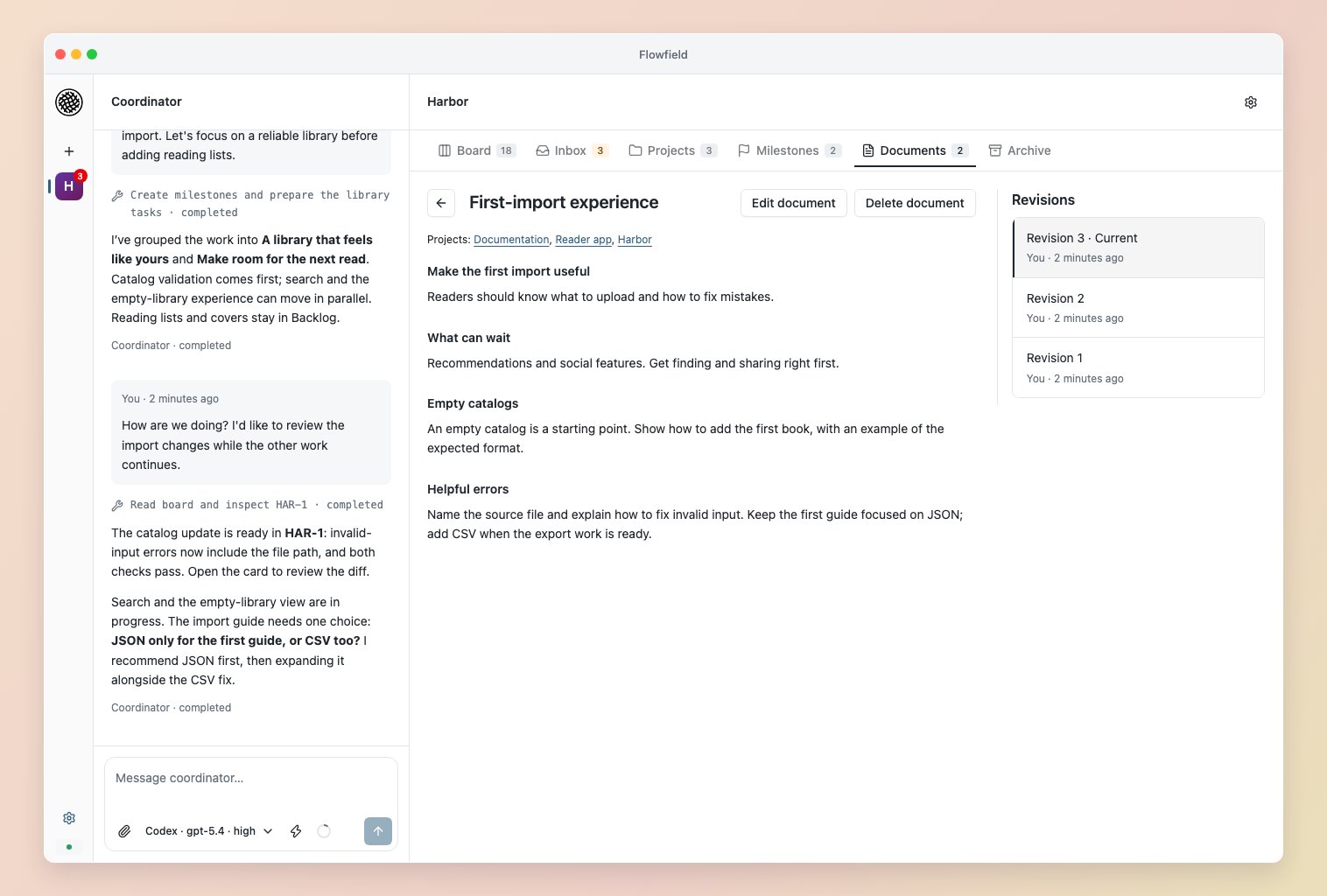
Work with the Coordinator
Discuss existing instructions and agreed changes in the workspace conversation. Each message captures the main guidance revision; opening another document beside it also captures that document’s saved revision. The Coordinator can read and edit documents through workspace tools. When adopting a project, decide which repository files to reference and which material to incorporate. Flowfield preserves your files and does not automatically import instruction documents. Native harnesses can still load their own repository instructions. Document prose does not change structured queue, worker or approval settings.Supply worker context
In Project settings → Worker documents, choose project defaults and their purpose. Required source means the worker must read the document; Reference material supplies optional supporting context. Ask the Coordinator to adjust the selection for a particular task, or pin a specific revision. Purpose belongs to the selection, so the same document can serve different roles in different tasks. Workspace guidance is always required. Keep required project defaults focused on rules that apply across that project’s tasks. A task can override a default’s purpose and revision; leaving it out of the task’s selection still inherits the default. For a long document covering several kinds of work, ask the Coordinator to capture the applicable rules and exceptions in the task agreement or a focused required document, citing the original revision. Keep the original required when necessary details still live there; otherwise it can remain reference material. Review the combined Worker documents selection after preparation. Preparation freezes selected revisions and purposes for the assignment. Workers receive a bounded brief that prioritizes the current task agreement and required sources. Small required documents may be inline; longer required sources and optional references remain available through paged reads of the frozen content. Workers must read required sources fully and consult references when needed. Select relevant material explicitly; prose links do not copy their targets into the assignment. The limit is workspace guidance plus 20 custom documents and 1 MB of selected text. Document or default edits preserve prepared assignments and active attempts. When a selected document has a newer revision, unfinished tasks show Newer source revision available on the Board, in Inbox’s Waiting column and in task detail. This is information for assessing relevance; it does not block work or invalidate results automatically. The Coordinator can list affected preparations across projects withget_document_impact. Ask it to prepare affected upcoming work again with reviewed stages when it should adopt changes; work already started needs reconciliation. Answer continuations retain their original document selection.
Expand Worker documents in a task or attempt to inspect its exact revisions and source size. Harness token reports measure usage separately; available text size does not show what the worker read or understood.