Install and start
Install with uv:Add your project
In another terminal, change to an existing project’s directory:.flowfield/config.toml. Guidance installation preserves existing
instructions and adds a reference to .agents/skills/flowfield-coordinator/SKILL.md.
Review the added files and commit them using your project’s usual workflow before
running workers. Flowfield adopts your project; it does not scaffold an application.
Start a fresh Codex conversation in that directory. Ask:
Read this project’s Flowfield board and give me its link.The agent should identify your project and return its board link. A new conversation loads the installed skill and MCP connection. See Codex for connection checks and troubleshooting.
Agree on work
Ask your coordinator to set up worker execution for the project: choose the target branch, dependency setup, checks and a local run command, then validate the environment. Choose a worker model and reasoning effort explicitly. These settings are also available under the settings icon beside the project name. Describe one small change and its success criteria. Ask the coordinator to capture and prepare the task in Flowfield. Open its feed to read the agreed definition. The coordinator maintains task intent; you control priorities and review.Run the task
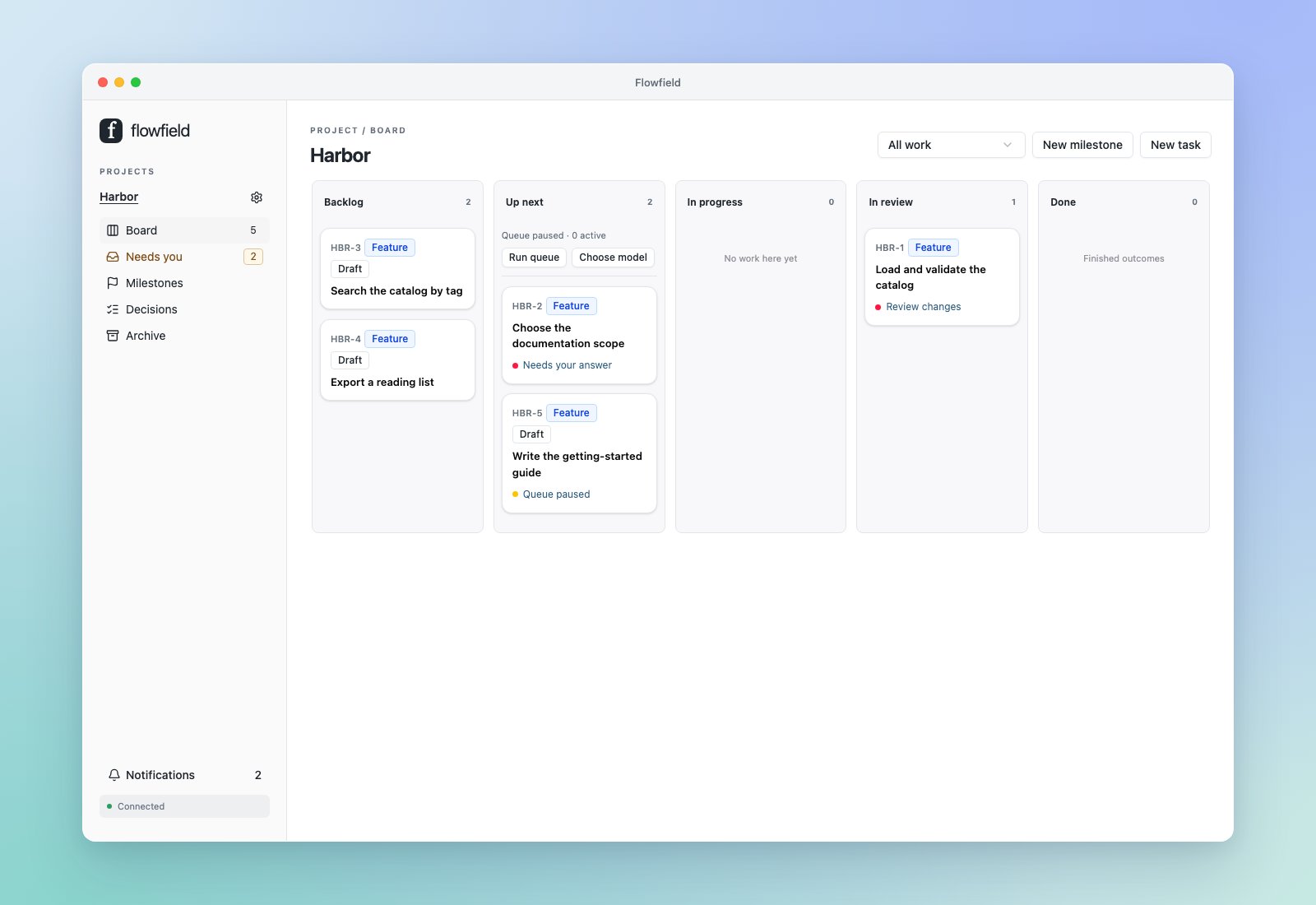
Move the task to Up next and click Run queue. Ready tasks run when their dependencies, setup and input requirements are satisfied. The task moves to In progress; its feed shows worker activity and any questions. Answer questions in the task feed or Needs you. Your saved answer lets the service continue managed work when the queue permits it. Pause queue prevents new starts; active workers continue. Stop worker stops the selected attempt.Review and finish
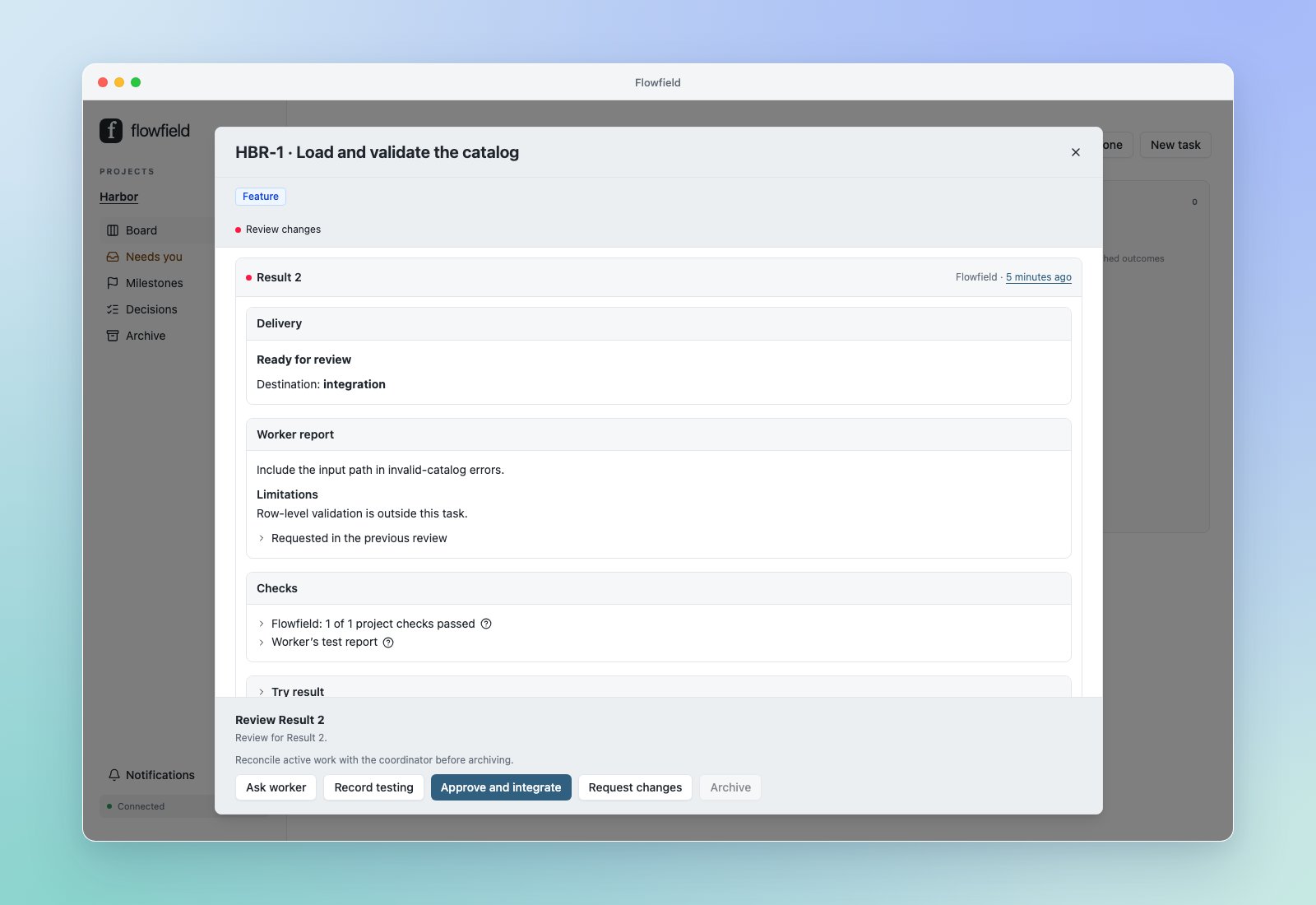
When the task reaches In review, read its result and checks. Inspect the diff or use Try result to test an independent copy of that exact version. Record testing in the feed, request changes, or choose Approve and integrate for the selected result.