Independent task review
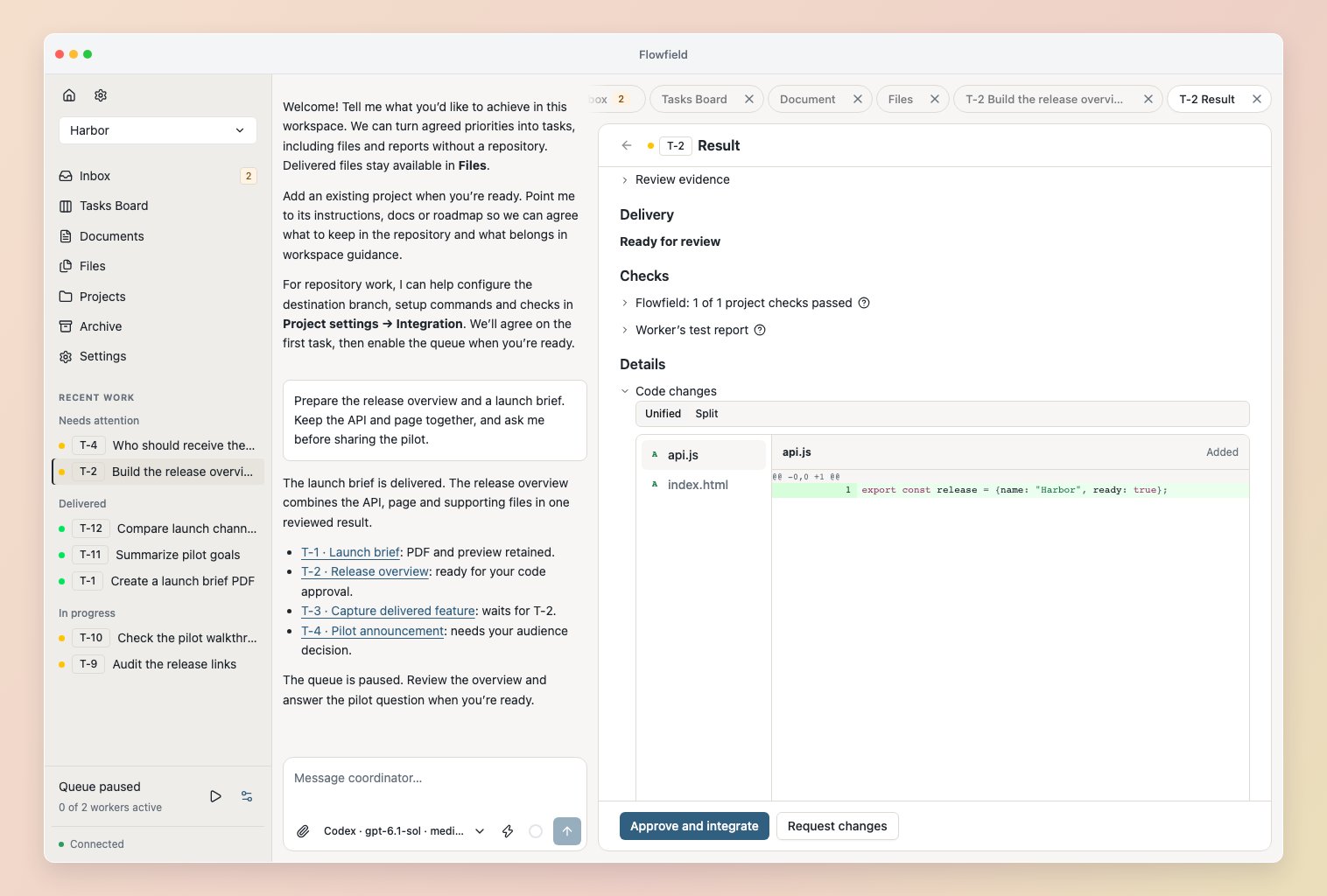
In Workspace settings → Reviewers, choose the native harness and model for Task reviewer. Assessment defaults on, but no model is selected automatically. A task’s Settings can override the workspace choice or reset to inheritance. Subtasks use their parent task’s worker settings and have no separate reviewer. Complete code and file outcomes receive an independent assessment against their exact assignment, sources, destination and saved validation. Reviews share worker capacity and respect the queue: pausing prevents new rounds, while an active round continues. The reviewer inspects the saved candidate and validation evidence; this review does not execute project checks itself. Reviewer sign-offs appear on the task and in the exact result. The reviewer can ask the implementer a scoped clarification, request an in-scope correction, or send an intent, scope or access question to Inbox. Saved human answers continue the review without another apply step. A correction produces a new candidate and fresh independent assessment. Changes to the agreement or authority require Coordinator reconciliation; an answer does not silently amend them. Waiting for an answer releases capacity. Ask the Coordinator to stop a review; stopping preserves the candidate and findings. Failed or stopped reviews require explicit Retry review. If cleanup is uncertain, inspect Review rounds and diagnostics, confirm the retained processes have stopped, then retry. Uncertain execution keeps its capacity reserved. Changed inputs make an assessment outdated and retain its evidence; questions belonging to that assessment are withdrawn with their saved answers preserved. An independent approval recommends the candidate. Code delivery still needs your exact approval. Complete file and report results finish after the configured review. Stop an active review before making a manual result decision. Assessment alone grants no delivery authority.Review an exact result
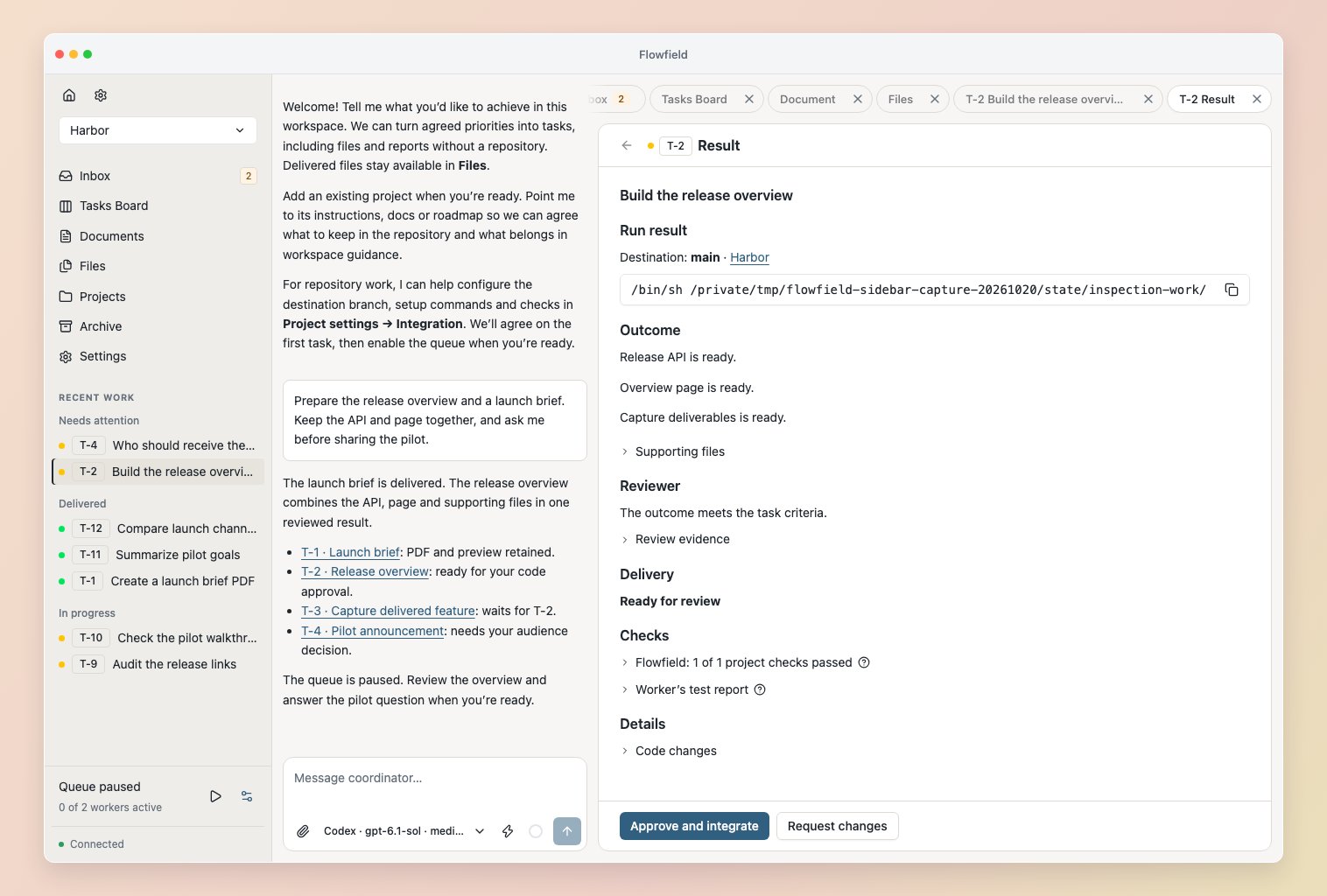
Read the worker report, limitations and checks against the task’s success criteria. Project checks and worker-authored tests are useful evidence; try representative inputs or ask the Coordinator to investigate gaps before deciding what ships. Access results opens the selected code result with its copyable launch command directly visible. Code changes shows the candidate’s changed files and diff. Supporting files remain available below the outcome. See worker setup. Trying or inspecting a result grants no approval.